UN Regulation R151/R159/R158
View More

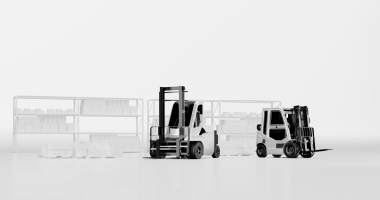







A Forklift Wireless Monitor Solution helps operators view areas that are difficult to see directly during material handling. By transmitting camera images wirelessly to an in-cab display, it can provide additional visibility behind the truck, near the forks, or around selected working areas, depending on camera placement. For warehouse managers, equipment distributors, and fleet operators, the appeal extends beyond the screen: a well-matched system can simplify video installation and support more informed maneuvering. However, choosing the right solution requires a close look at the application, wireless reliability, image quality, power supply, and everyday maintenance.
Forklift work involves constant changes in direction, load position, and surrounding activity. An operator may collect a pallet from a rack, reverse into an aisle, cross a doorway, and approach a loading dock within minutes. Each task creates a different visibility challenge. The mast can interrupt the forward view, bulky goods can conceal part of the travel path, and the truck’s structure can obscure nearby areas. Meanwhile, pedestrians and other vehicles may enter the working environment from directions that are difficult to monitor continuously.
These challenges call for several layers of control. Traffic separation, suitable speeds, clear operating procedures, and operator training remain fundamental. Cameras can add useful visual information within that framework. In the United States, OSHA requires operators to look in their direction of travel and maintain a clear view of the travel path; its guidance also recommends separating pedestrian and forklift traffic where possible. A monitor should support these practices, with operating procedures defining how the additional view is used.
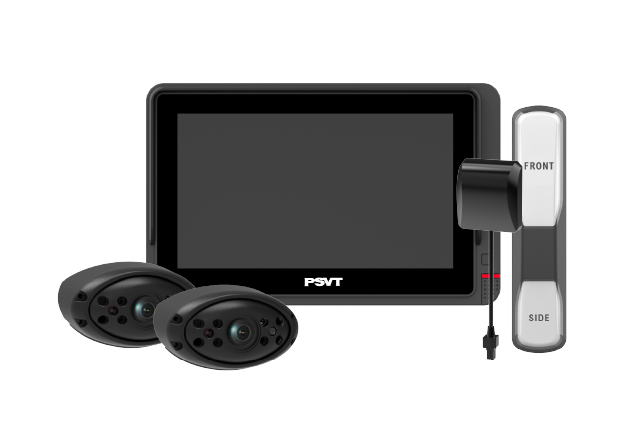
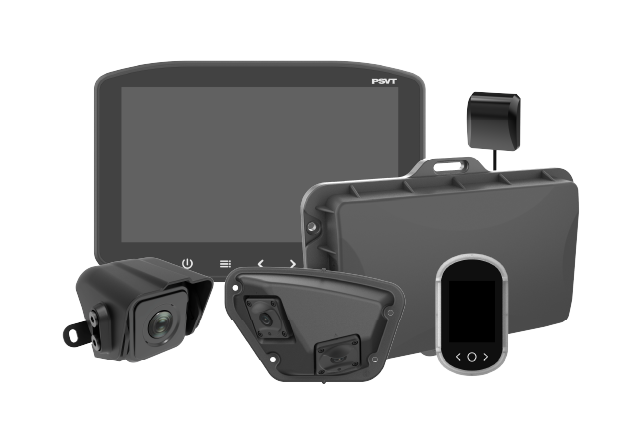
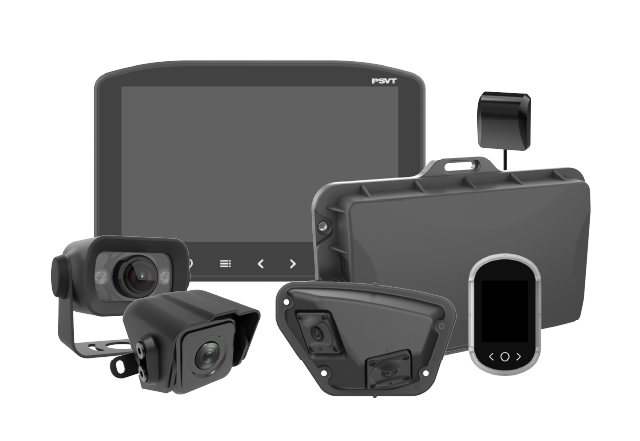
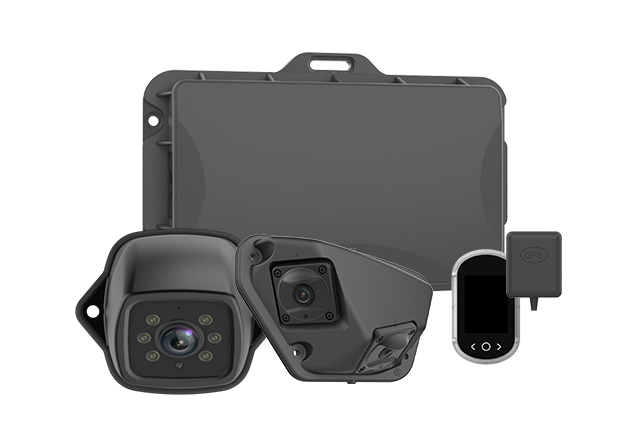
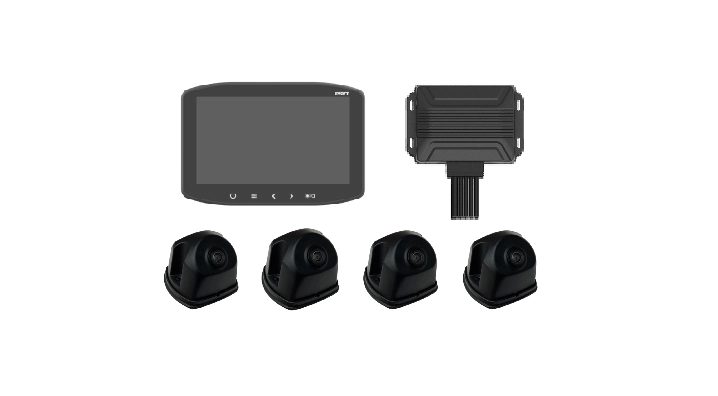
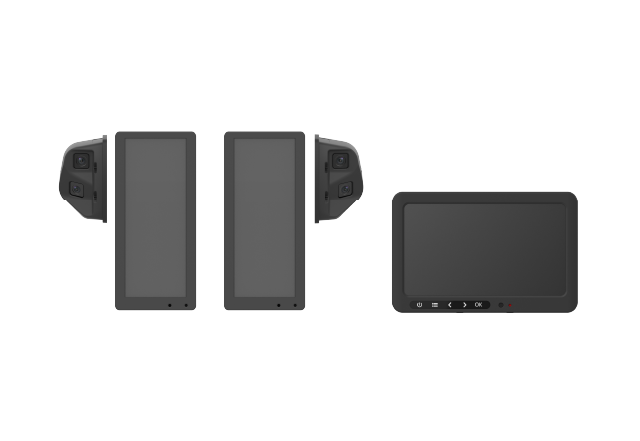
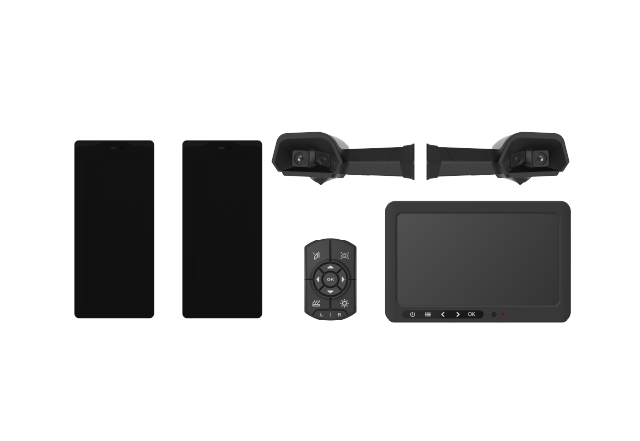
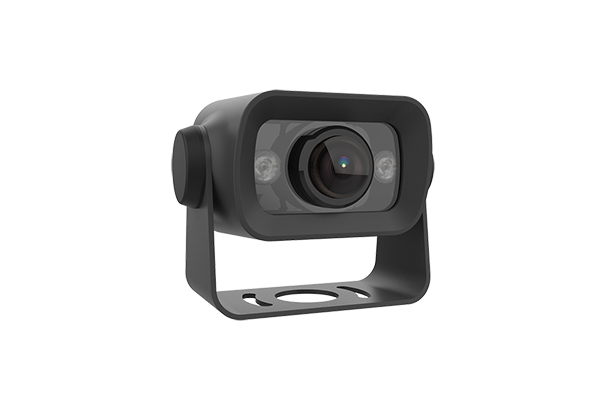
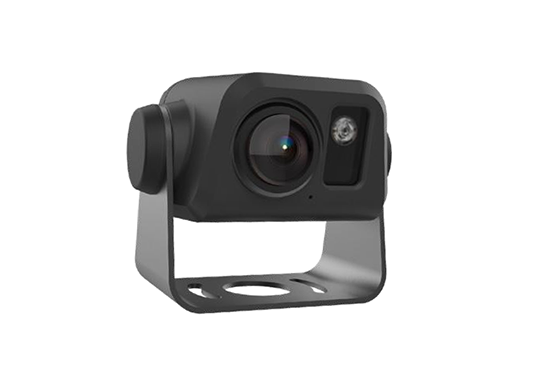
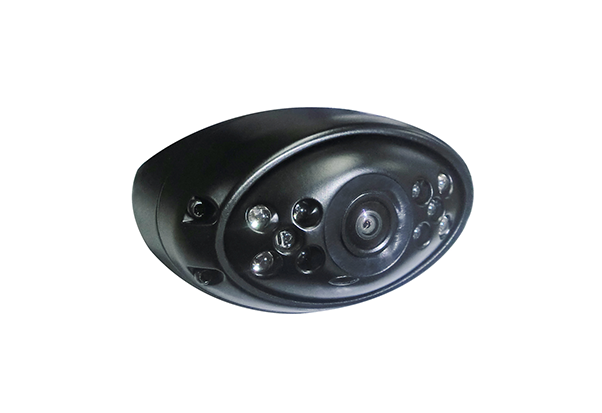
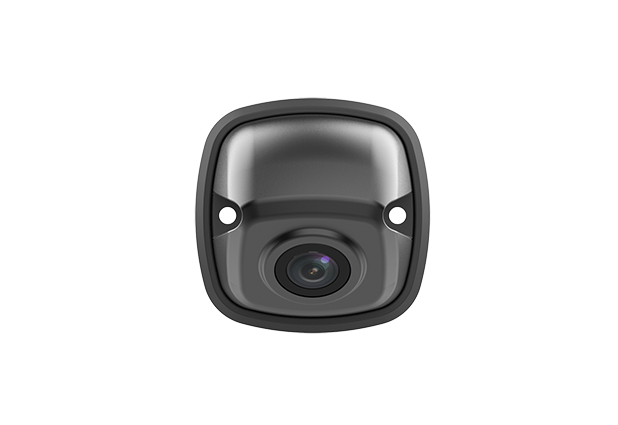
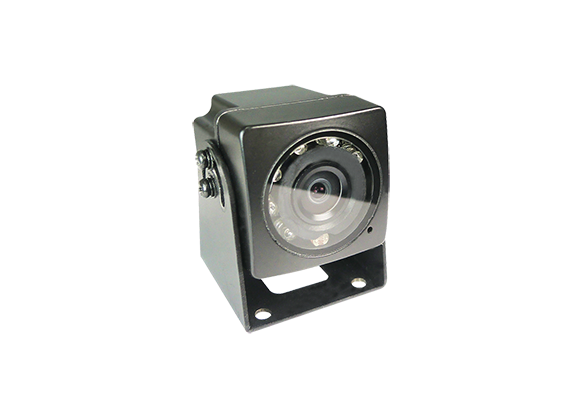
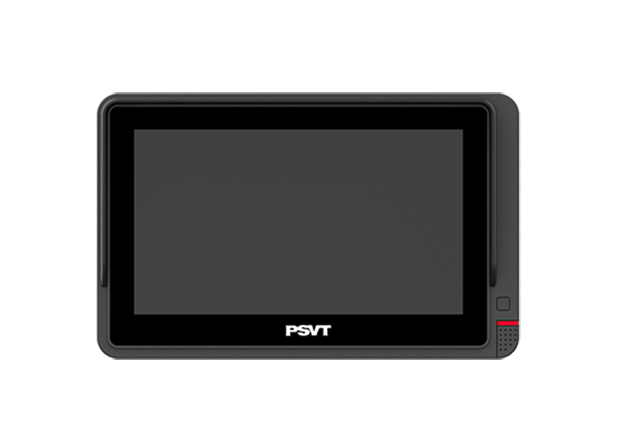
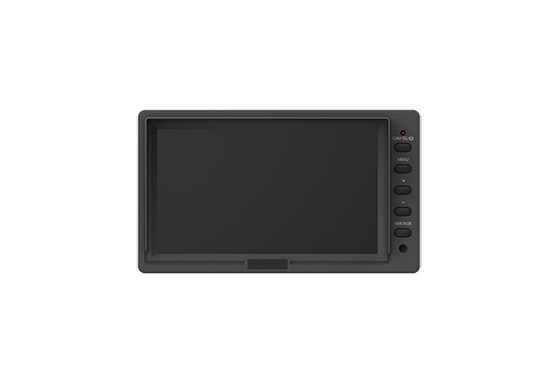
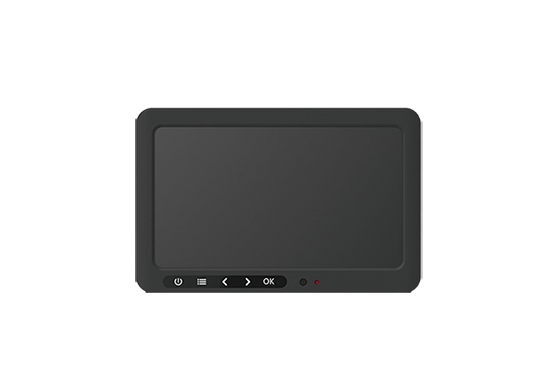
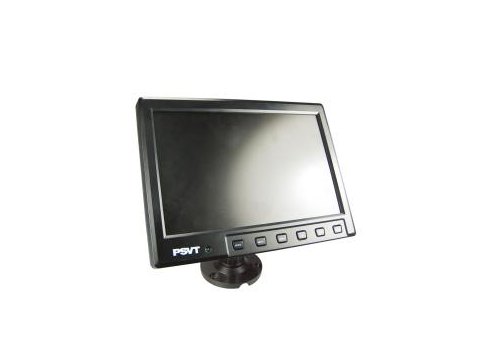
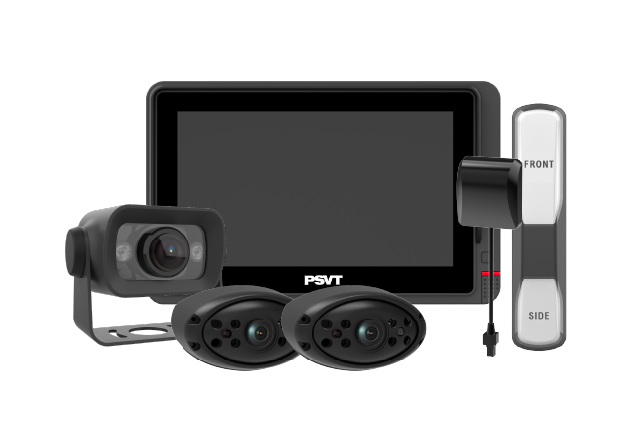
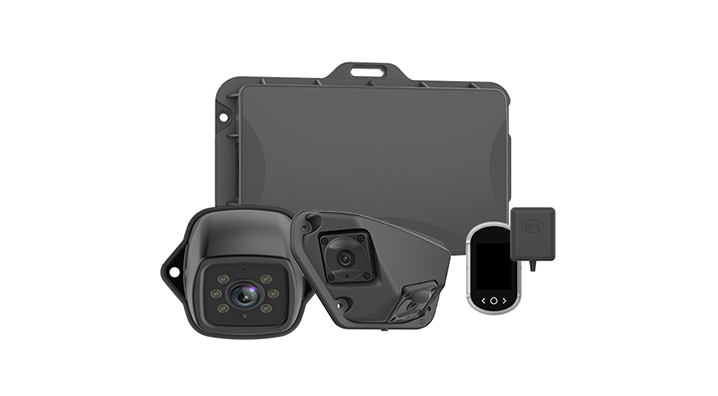
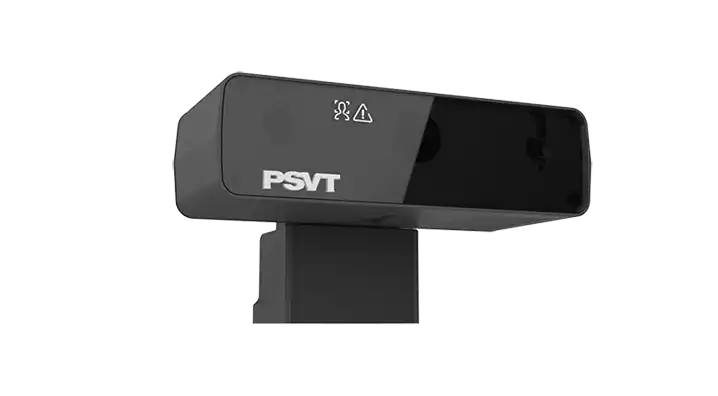
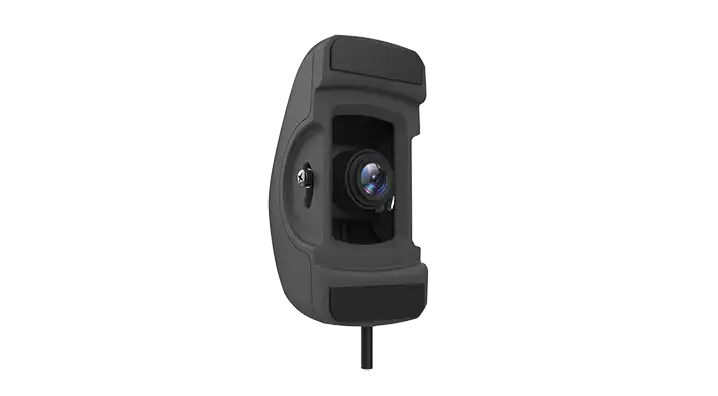
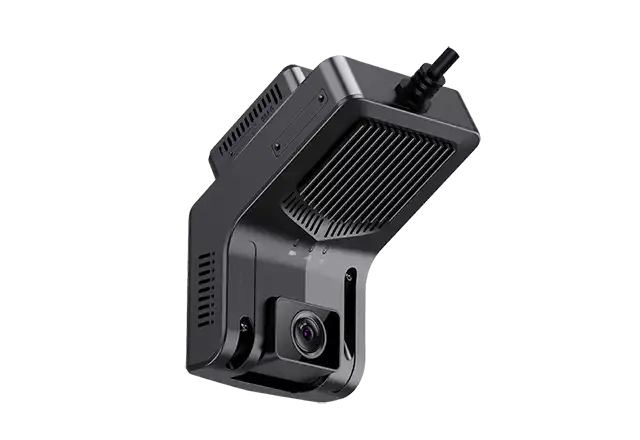
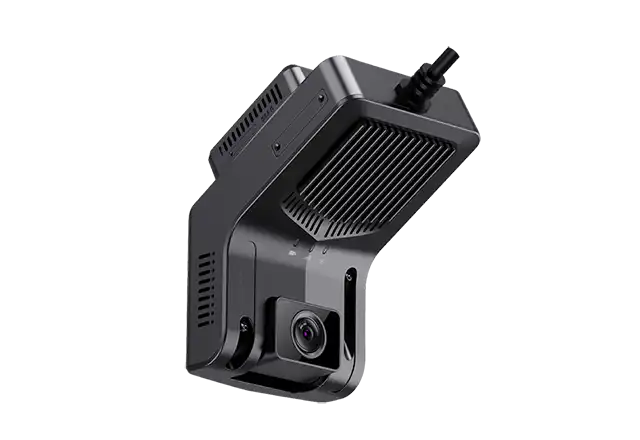
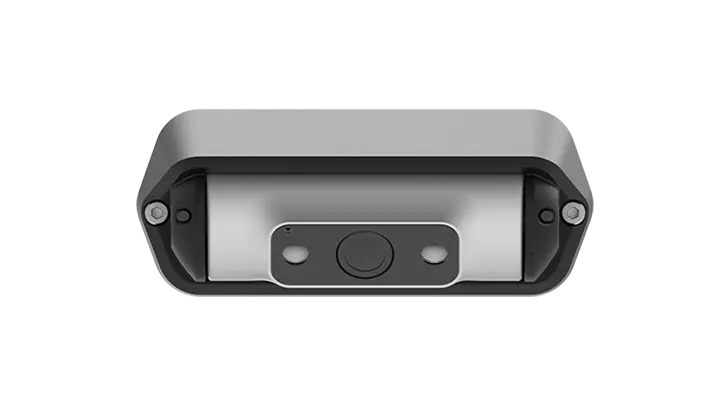
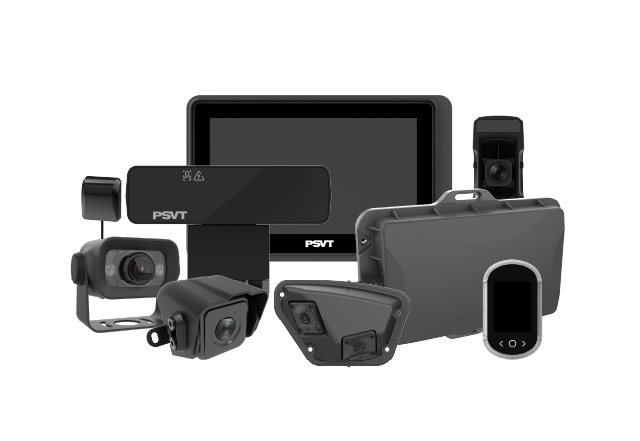
A typical system combines a camera, a wireless video connection, a display, mounting hardware, and suitable power arrangements. The camera captures a selected area, and the monitor presents that image where the operator can consult it conveniently. Some configurations support multiple cameras, automatic view switching, recording, or rechargeable camera batteries. These capabilities vary by product, so buyers should confirm the exact configuration instead of assuming that every wireless system includes the same functions.
The word “wireless” usually describes video transmission between the camera and monitor. It does not automatically mean that every component operates without a power cable. A Forklift Wireless Monitor Solution may use vehicle power for the monitor and a battery for the camera, or require separate wired power connections at both ends. Understanding this distinction early helps buyers estimate installation effort, charging requirements, and compatibility with their trucks. It also prevents a common procurement mistake: selecting a system for cable-free installation before checking how each component receives power.
A rear-mounted camera can show a selected area behind the forklift, helping the operator assess nearby obstacles and available maneuvering space. This can be useful when reversing away from storage positions or moving through busy loading areas. Camera placement matters: a view aimed too high may miss low obstacles, while a view aimed too close may provide limited information about the surrounding route. The installation should therefore be evaluated against the actual task, including the truck’s turning movement and rear swing.
A camera near the fork carriage may help operators see fork alignment and pallet entry points, particularly when handling goods at elevated rack positions. The useful view depends on the mounting location, fork spacing, load shape, and mast movement. Buyers should check the image throughout the intended lifting range because a view that works near floor level may become obstructed higher up. The installation must also keep the camera, brackets, and any local wiring clear of moving components and contact points.
Loading areas introduce another challenge: rapid changes in brightness. A forklift may move from an illuminated yard into a darker trailer or warehouse entrance. A camera that performs well in evenly lit conditions may struggle during that transition. Testing should include bright doorways, shaded loading positions, and the actual surfaces operators need to identify. The goal is a usable picture of the working area, with enough detail to judge obstacles and positioning under the conditions the truck encounters.
The strongest reason to consider a Forklift Wireless Monitor Solution is often the installation challenge. Routing a video cable from a camera to the operator’s display can be complicated, particularly when the camera is mounted on a moving assembly. Wireless transmission can remove that video cable run, although power wiring or battery management may still be necessary. The practical benefit depends on the forklift design, mounting position, and how much installation work remains after the video connection becomes wireless.
For mixed fleets, this approach can also offer flexibility. Warehouses may operate several forklift models with different cab layouts, mast designs, and electrical systems. A compatible wireless platform may help standardize the operator display and service parts across those trucks. However, standardization should follow vehicle checks. Brackets, power converters, antenna positions, and camera locations may still differ. Buyers should ask suppliers to document these differences so that the first successful installation can become a repeatable process for the rest of the fleet.
A stated transmission range provides limited insight into performance inside a warehouse. Racking, stored materials, truck structures, and other radio devices can affect the connection. Ask how the system handles interference, temporary signal loss, and reconnection. Then test it along representative routes with normal inventory in place. A demonstration in an open parking area cannot establish how the equipment will behave between loaded racks or around metal structures.
A Forklift Wireless Monitor Solution should deliver an image that remains useful while the truck and surrounding objects move. Ask the supplier for measured end-to-end latency, including capture, transmission, processing, and display. Check whether that performance changes when several cameras or nearby systems operate simultaneously. During testing, pay attention to frozen frames as well as a completely lost connection: a clearly indicated unavailable image is easier to recognize than an outdated frame that appears current.
Resolution is only one part of image quality. Exposure control, low-light performance, motion handling, lens cleanliness, and monitor brightness all influence what the operator can identify. Test the system with representative pallets, floor markings, rack structures, and obstacles. Look for useful detail in both bright and shaded areas. If infrared illumination is included, check its behavior near reflective wrapping or close surfaces, where glare may reduce visibility.
A wide-angle camera can show more of the surrounding area, but objects may appear smaller and distances can be harder to interpret. A narrower view may provide clearer detail for fork positioning while covering less space. Select the lens and mounting angle around the specific task. The best rearview configuration may differ substantially from the best pallet-alignment configuration. Ask to see sample footage from a comparable installation before committing to a fleet purchase.
Water and dust protection deserve attention, especially in outdoor yards, dusty facilities, or washdown environments. However, an enclosure’s ingress rating does not establish its resistance to every industrial hazard. Review operating temperature, vibration and shock test evidence, connector protection, bracket strength, and cleaning restrictions separately. Confirm which ratings apply to the camera, monitor, battery, and connectors; the system’s components may have different environmental limits.
Forklift electrical systems vary, so verify the system’s input requirements against the intended power connection. A suitable converter and protected wiring may be needed. If the camera uses a rechargeable battery, examine runtime under realistic conditions, charging time, battery replacement, and low-charge indications. For multi-shift operations, the charging process is an operational requirement. Assign responsibility for charging and confirm whether spare batteries or another power arrangement are necessary.
Display size should suit the available cab space and viewing distance. A larger monitor offers little benefit if its position obstructs the operator’s view or makes entry and exit awkward. Controls should be understandable during everyday work, with camera views clearly identified. If automatic switching is available, confirm which inputs trigger it and how the display behaves when a camera becomes unavailable. Operators should understand the system’s status without having to interpret ambiguous icons.
A Forklift Wireless Monitor Solution is worth evaluating when video cable routing is difficult, retrofit downtime matters, or the proposed camera position makes a wired installation complicated. It can be particularly attractive for adding visibility to existing equipment. The decision should still account for the radio environment and the work needed to power, mount, and maintain the system. Installation convenience is valuable only when the resulting connection performs consistently during the intended tasks.
Wired systems also deserve consideration where protected cable routes are available and a fixed installation suits the truck. Comparing both approaches gives procurement teams a clearer view of total cost. Include mounting parts, power accessories, installation labor, planned downtime, battery replacements, and ongoing service. The purchase price alone does not show which configuration will be easier to operate over several years. A supplier should explain why its proposed approach fits the application and identify any conditions that could limit performance.
Begin with a defined visibility problem. “Improve forklift safety” is too broad to evaluate by itself. A more useful objective might be to improve the view of the rear maneuvering area or help operators assess fork alignment at selected rack heights. Document the existing difficulty, the proposed camera position, and what a successful image needs to show. This gives operators, maintenance staff, and purchasing teams a shared basis for evaluating the trial.
Next, test a Forklift Wireless Monitor Solution on representative trucks and routes. Include loaded and unloaded operation, different lift heights, typical lighting transitions, and multiple nearby systems if fleet deployment is planned. Check startup, reconnection, charging, and display behavior after a camera is switched off. Operators should assess whether the image is helpful and easy to consult. Maintenance staff should inspect bracket security, access for cleaning, power connections, and the practical effort required to keep the system ready.
Agree on acceptance criteria before the trial ends. Useful measures include installation time, connection interruptions, image usability, battery endurance, and recurring service requirements. Where operational efficiency is evaluated, compare equivalent tasks and record relevant differences in load, operator, and route. Avoid treating a short incident-free trial as proof of accident reduction. A pilot is most useful for establishing application fit and identifying installation or workflow problems before purchasing equipment for the wider fleet.
Deployment should include clear instructions for checking the image before use, identifying a failed connection, cleaning the lens, and reporting faults. Operators also need to understand what each camera covers and what remains outside its view. A rear camera, for example, does not establish visibility around every corner of the truck. Procedures should explain the appropriate response when the required view is unavailable, rather than leaving operators to improvise during a shift.
Installation also needs review against the forklift manufacturer’s requirements and applicable local rules. In the United States, OSHA requires prior written manufacturer approval for modifications or additions that affect capacity or safe operation. Mounting decisions should therefore account for structural integrity, visibility, controls, and moving components. Addressing these questions before installation helps avoid rework and ensures that the camera system is incorporated into the truck’s operating arrangements appropriately.
Selecting a Forklift Wireless Monitor Solution involves more than comparing camera specifications. Ask suppliers about previous forklift applications, installation documentation, replacement parts, technical support, and how they investigate connection problems. A supplier familiar with material handling should ask about the truck model, camera position, shift pattern, lighting, and operating environment before recommending a configuration. Those questions show whether the proposal is based on your application.
For distributors and equipment dealers, serviceability deserves particular attention. Check how replacement cameras are paired, whether brackets and batteries remain available, and what information technicians need to diagnose a fault. For larger operators, request a documented installation standard and a clear process for managing configuration changes. These details make fleet deployment easier to repeat and help preserve consistent performance as equipment is serviced, replaced, or transferred between locations.
A camera system delivers the most value when it addresses a clearly identified task and remains dependable through everyday use. Start with the area operators need to see, select the camera position and image characteristics accordingly, and validate the wireless connection in the working environment. Then confirm that power management, maintenance, and operator procedures are practical for the people responsible for them.
For warehouse managers, fleet operators, and equipment partners, the next step is a focused application review. Share your forklift models, operating routes, camera objectives, and shift requirements with the supplier. Request a demonstration that reflects those conditions, followed by a controlled pilot. This creates a stronger basis for investment and helps turn additional visibility into a useful, maintainable part of material handling operations.
It is a camera-and-display system that transmits video wirelessly to provide an additional view of a selected working area. Depending on the installation, it may support rearward observation, fork positioning, or another visibility task. Camera coverage and available functions vary by configuration.
Usually, wireless refers to the video link. The monitor and camera still need power, supplied through vehicle wiring, batteries, or another compatible arrangement. Confirm the power requirements of every component when assessing installation work.
Many systems use a direct wireless connection between the camera and monitor and do not require warehouse internet access. Others use network-based architectures. Ask the supplier to confirm the connection method and whether any external infrastructure is required.
Potentially, but performance depends on the system design and radio environment. Verify pairing security, supported simultaneous systems, interference management, and reconnection behavior. Test multiple equipped trucks together under representative operating conditions before wider deployment.
Many configurations are intended for retrofit applications. Compatibility depends on the truck’s power supply, mounting options, operating environment, and manufacturer requirements. A vehicle-specific review should establish the installation method and any approvals needed before work begins.
Only if those features are specified. A live-view camera does not automatically provide AI detection, warnings, video storage, or remote access. Ask the supplier to identify included functions, optional hardware, and any limitations affecting their use.
Confirm image usability, connection stability, video delay, camera coverage, environmental protection, power compatibility, and service support. A representative pilot is especially valuable because it reveals how these factors work together on your forklifts and inside your facility.